
Design your splash screen
Updated
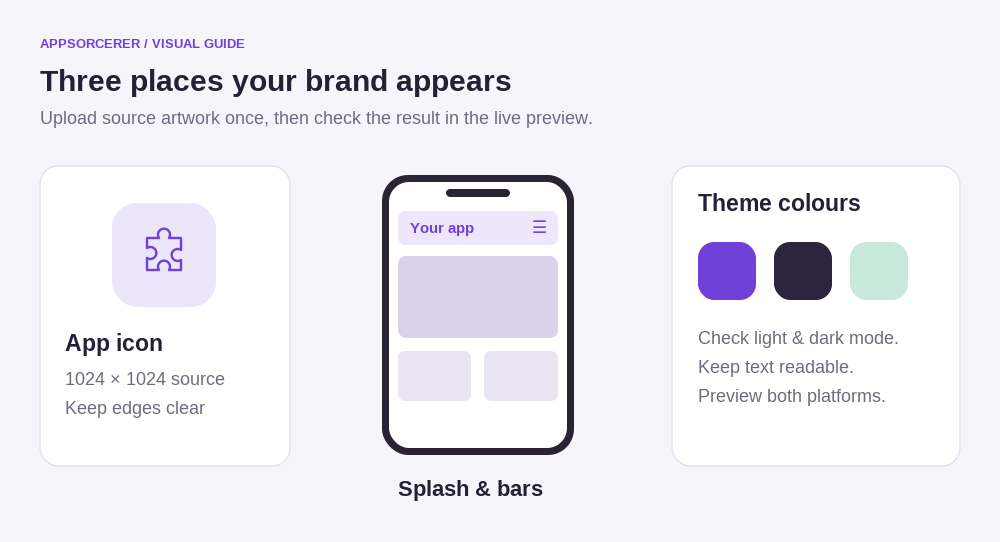
The splash screen shows for a moment while your app starts.
Styles
- App icon — your icon centred on a background colour. Simple and fast.
- Full image — your own artwork that fills the screen.
- Animation — a short Lottie animation.
Light and dark
Pick a background colour for light mode and another for dark mode. The app follows the phone's setting.
Tips
- Keep text out of full-screen images; screens come in many sizes.
- Animations should be short — about one to two seconds.
Was this helpful?