
Upload your app icon
Updated
Your icon is the first thing people see on their home screen and in the stores.
Requirements
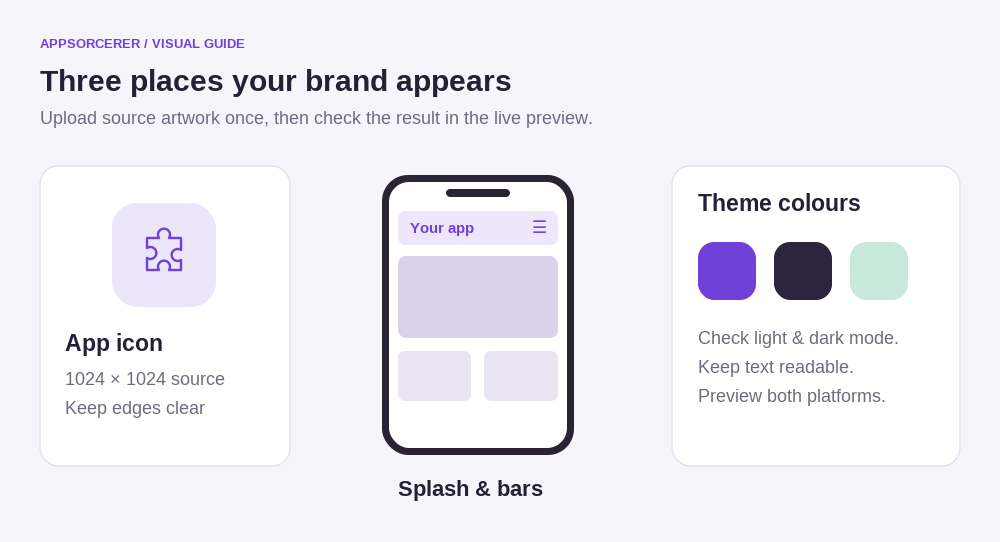
- a square PNG, 1024 × 1024 pixels
- no transparency for iOS (we add your background colour if needed)
- keep important details away from the edges — Android may crop icons into a circle
Upload
Open Branding → App icon and drop your file. You can use separate icons for iOS and Android. App Studio keeps a history of previous icons so you can restore one later.
When it shows up
The preview updates straight away. Installed apps get the new icon after your next build.
Was this helpful?