
Create your first app
Updated
AppSorcerer turns the website you already have into a native app. You don't need to write code, and your site keeps working exactly as before.
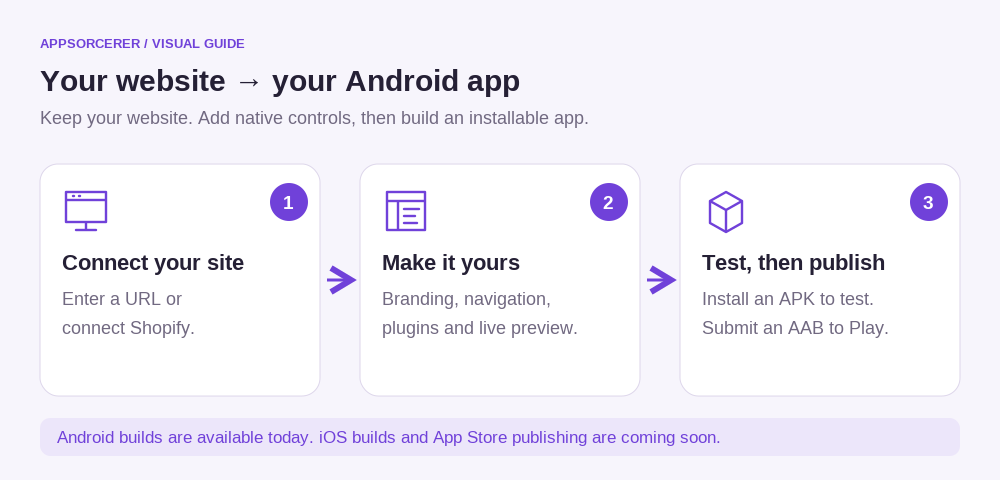
1. Enter your website address
On the home page, type your website address and press Build my app — free. Create your account with your email or Google. We send a confirmation link to your inbox; open it to continue.
2. Let us set up the basics
The setup wizard reads your site and suggests:
- an app name and icon, taken from your website
- brand colours for the top bar, tabs and splash screen
- a starting navigation layout
You can change every suggestion later in App Studio.
3. Preview it live
App Studio shows your app inside a phone frame next to every settings page. Switch between iPhone and Android to see both looks. Every change you make appears in the preview straight away.
4. Build a test version
Open Build & Download and start an Android test build. It usually takes 4–6 minutes. When it finishes, turn on the public share link in Overview (new apps start with it off), then scan the QR code on the share page to install the app on your phone.
Next: take the App Studio tour to see where every setting lives.