
Android builds
Updated
Open Build & Download and choose what to build.
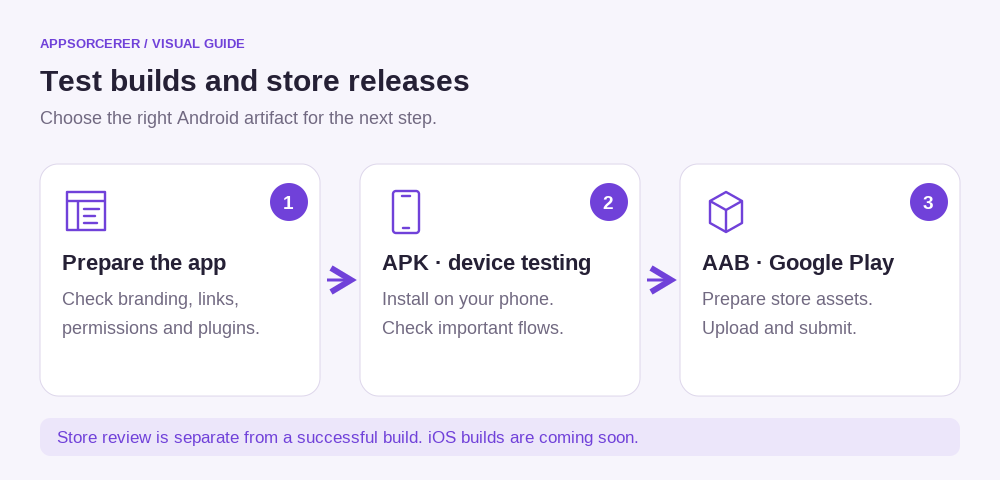
Build types
- Test build (APK) — install it on your own phone. The Free plan includes test builds with the AppSorcerer badge.
- Store build (AAB + APK) — signed and ready for Google Play. Available from the Starter plan.
- Source code — the full Android project as a zip.
What happens
Your build goes through Queued → Preparing → Compiling → Signing → Uploading → Done. It usually takes 4–6 minutes. You can watch the live log, and we email you when it is ready.
Signing key
The first store build creates a signing key for your app and stores it encrypted. Google Play needs the same key for every update, so download a backup from the build page — or upload your own key before your first store build.
If a build fails
The build page explains what went wrong in plain words. Fix the setting it points to and press Rebuild.
Build from CI
Start builds and download the APK or AAB from your own scripts with a personal API key. See API keys & CI builds.
Was this helpful?