
App permissions
Updated
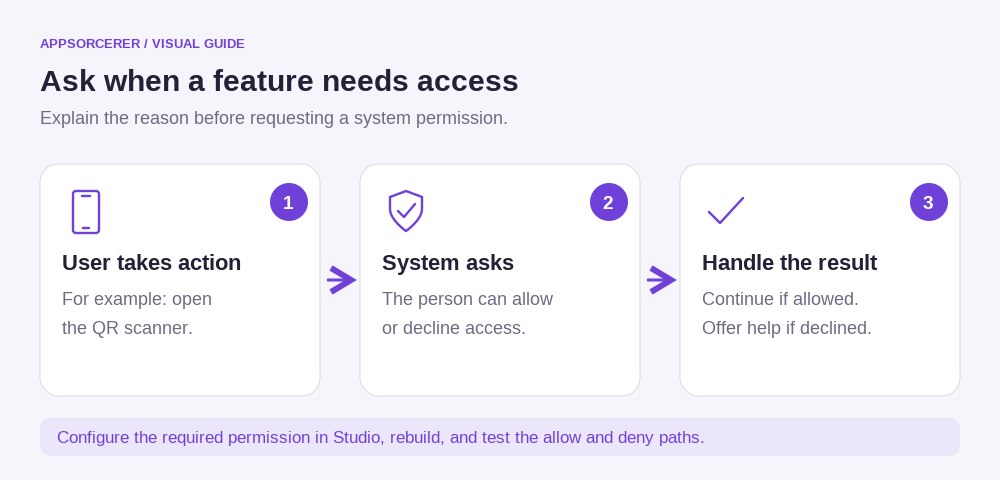
Permissions decides which phone features your website may use inside the app and what people are asked. On Android the app asks for a permission the first time a page needs it, not when the app starts. Only turn on what your site really uses: Google Play and the App Store ask you to explain every permission.
App Tracking Transparency
iOS only. Turn on Show the tracking prompt if your app uses advertising or attribution tools — for example the AdMob, AppsFlyer, Branch.io or Meta App Events plugins — that track people across other apps and websites. Write the Prompt text in plain words: it appears in Apple's prompt.
Location
Off, While using or Always, per platform.
- While using lets your pages use
navigator.geolocationwhile the app is open. Android asks people the first time a page asks for the location. - Always also allows location in the background. Only choose it together with the Background Location plugin, and expect Google Play to ask why you need it.
Camera and microphone
Turn these on if your site uses video calls, scanning with the camera or voice input inside the page (WebRTC, getUserMedia). Photo and file upload buttons work without them: the phone offers its own camera app.
Downloads folder
Android only. With Save downloads to the Downloads folder on, files people download from your site land in the phone's Downloads folder and show up in the Files app. When it is off, files stay in the app's private storage and open from there.
Background audio
iOS only. Keeps audio and podcasts playing when people leave the app or lock the phone.
iOS permission descriptions
Apple shows these texts in its permission prompts for location, camera, photos and microphone. Say what you use the feature for, for example Used to scan the barcode on your loyalty card. App Review rejects vague wording such as We need your camera.
Store data-safety forms
Permissions are part of what you declare in Google Play's Data safety form and in Apple's privacy labels. Declare the data your website and plugins collect too, not only the permissions. Our Publishing service can fill in these forms for you.
When changes apply
Permissions are part of the app itself, so changes reach people with your next build. iOS builds are coming soon; your iOS settings are saved for them.