
Bottom tabs
Updated
Bottom tabs give people one-tap access to the most important pages of your app.
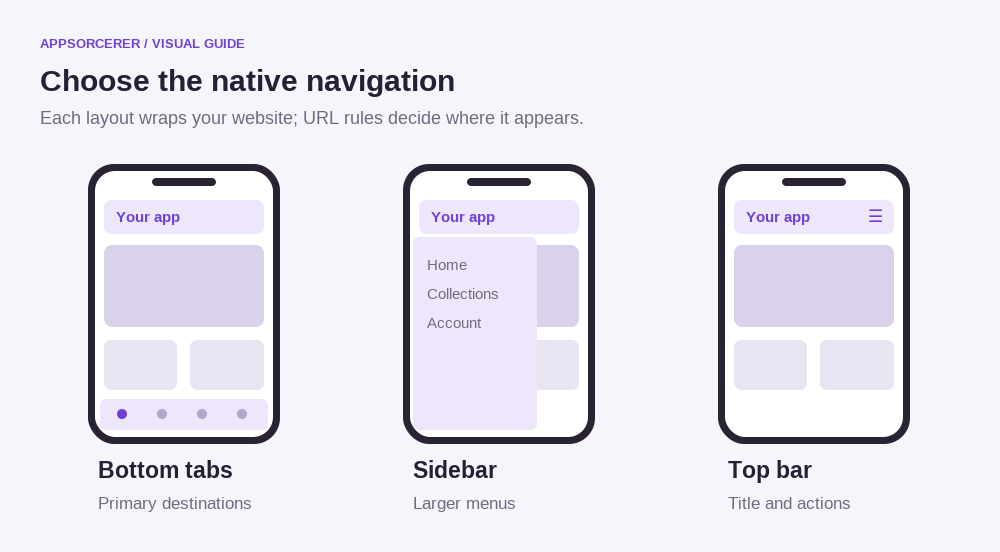
Add tabs
Open Navigation, click the tab bar on the phone and add up to 5 tabs. For each tab choose:
- a label (keep it short — one word works best)
- an icon, and optionally a different icon for the active state
- the page it opens
Badges
A tab can show a badge:
- Cart count — the number of items in a Shopify cart
- Dot — a small dot to draw attention
- JavaScript — your site sets the number with
AppSorcerer.nav.setTabBadge()
Hide on scroll
Turn on Hide on scroll to give content more room. The tabs come back when people scroll up.
Was this helpful?