

NFC Scanner
Updated
Read NFC tags for authenticity checks and loyalty.
- JavaScript:
window.AppSorcerer.nfc - Plan: Business (premium) — included on plans with premium plugins, and you can try it free for 14 days
- Platforms: Android apps today. iOS support arrives with iOS builds (coming soon).
- Android permissions:
NFC
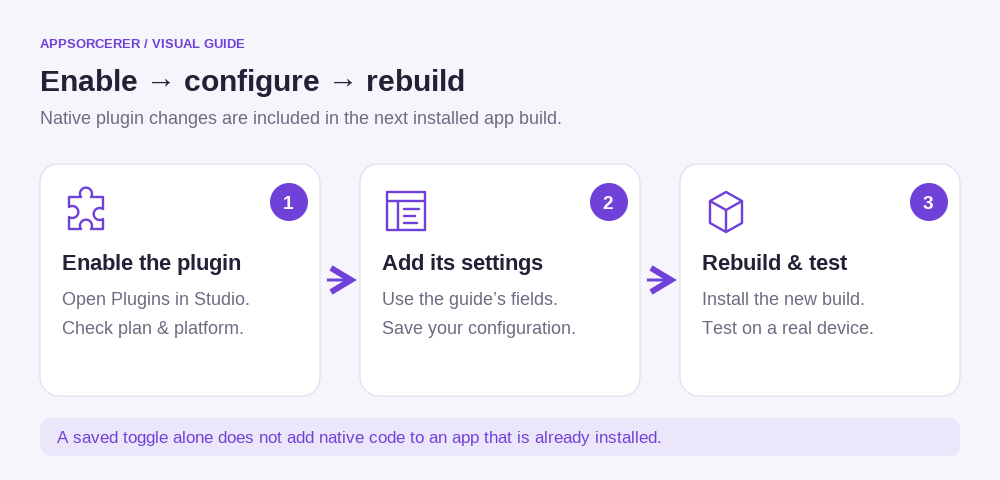
Turn the plugin on in App Studio → Plugins, fill in its settings, then rebuild your app. Websites call it through the JavaScript bridge.
Settings
| Studio label | Type | Default | Notes |
|---|---|---|---|
| Read NDEF records only | toggle | true |
Setup
Nothing to configure. The phone only listens for tags while a scan is running and the app is open.
JavaScript API
Every method returns a Promise. Call it as await AppSorcerer.nfc.<method>(args).
| Method | Arguments | Resolves with |
|---|---|---|
isAvailable | – | { available, enabled } |
scan | { timeoutMs = 60000, readNdefOnly? } | { id, techTypes, ndef: { type, maxSize, isWritable, records } | null } |
stopScan | – | null (the pending scan rejects with canceled) |
openSettings | – | opens the NFC settings |
Record: { tnf, type, id, payload (base64), recordType: 'text' \| 'uri' \| 'mime' \| 'external' \| 'other', text?, language?, uri?, mimeType? }. readNdefOnly defaults to the setting (true): tags without NDEF data reject with no_ndef; with false they resolve with ndef: null.
Events
Listen with AppSorcerer.on('<event>', callback) (or the DOM event appsorcerer:<event>).
| Event | Data |
|---|---|
nfc.tag | same object as the scan() result |
Errors
Rejections carry error.code: unavailable, disabled, busy, timeout, canceled, no_ndef, read_failed, unknown_method.
Example
try {
  const tag = await AppSorcerer.nfc.scan({ timeoutMs: 30000 });
  const url = tag.ndef?.records.find((r) => r.recordType === 'uri')?.uri;
  if (url) location.href = url;
} catch (e) {
  if (e.code === 'disabled') await AppSorcerer.nfc.openSettings();
}
Notes
- Phones without NFC can still install your app.
- Writing tags isn't supported.