
Navigation instances
Updated
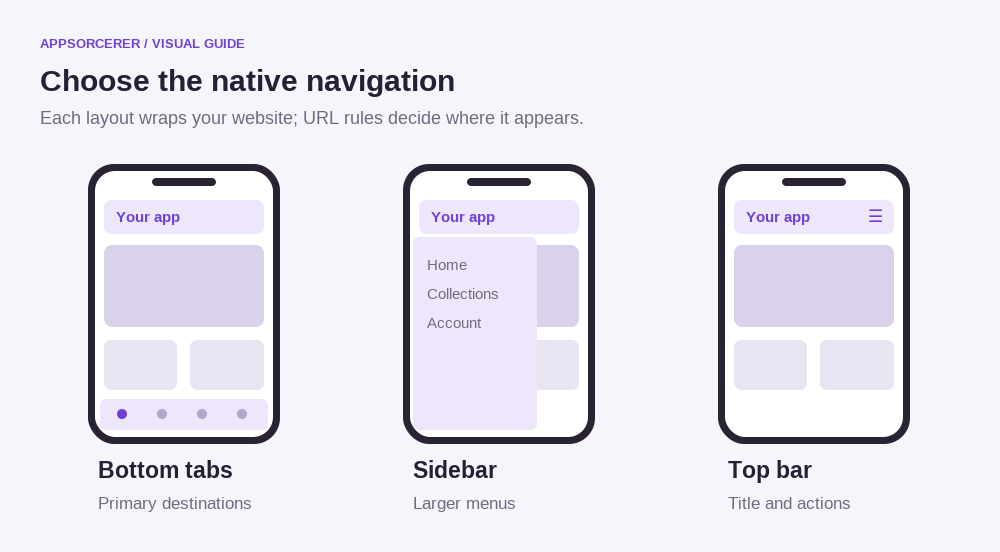
An instance is a navigation layout for part of your site. Most apps start with one Default instance that applies everywhere.
Why use more than one
- hide the bottom tabs during checkout
- show a sidebar only in the account area
- give your blog a simpler top bar
URL patterns
Each extra instance has one or more path patterns. * matches anything:
patterns.txt
/checkout/*
/account/*
/blogs/*
When a page opens, the app uses the first instance whose pattern matches the page's path. Pages that match nothing use the instance set to All pages — usually Default.
Editing
In Navigation, pick an instance from the list, then click the top bar, sidebar or tabs on the phone to edit them.
Was this helpful?