
Custom JavaScript
Updated
Inject JavaScript into every page your app loads — for example to change behaviour that only makes sense inside the app.
Where it runs
Open Web Overrides → Custom JavaScript. Code in the Shared tab runs on both platforms; the iOS and Android tabs add code for one platform. It runs after each page finishes loading.
Detect the app
Your site can check whether it is running inside the app:
detect.js
if (window.AppSorcerer) {
  document.documentElement.classList.add('in-app');
}
Call native features
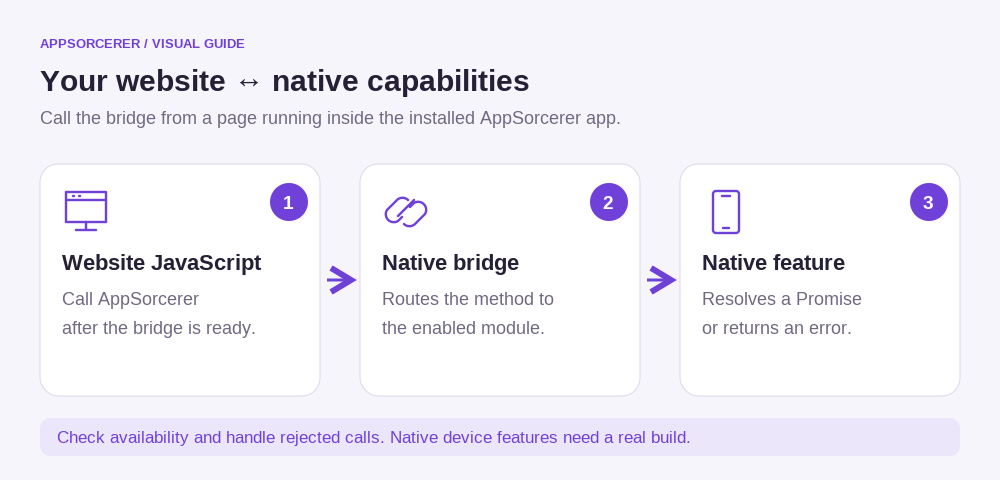
The JavaScript bridge gives your site access to native features such as haptics, sharing and push:
share.js
AppSorcerer.ready(() => {
  AppSorcerer.share.open({ url: location.href });
});
Every call returns a Promise. In the App Studio preview, native calls show a message instead, so your site never breaks. The JavaScript bridge guide lists every feature.
Was this helpful?