

Calendar
Updated
Add appointments and drops to the device calendar.
- JavaScript:
window.AppSorcerer.calendar - Plan: Plus (premium) — included on plans with premium plugins, and you can try it free for 14 days
- Platforms: Android apps today. iOS support arrives with iOS builds (coming soon).
- Android permissions:
READ_CALENDAR,WRITE_CALENDAR
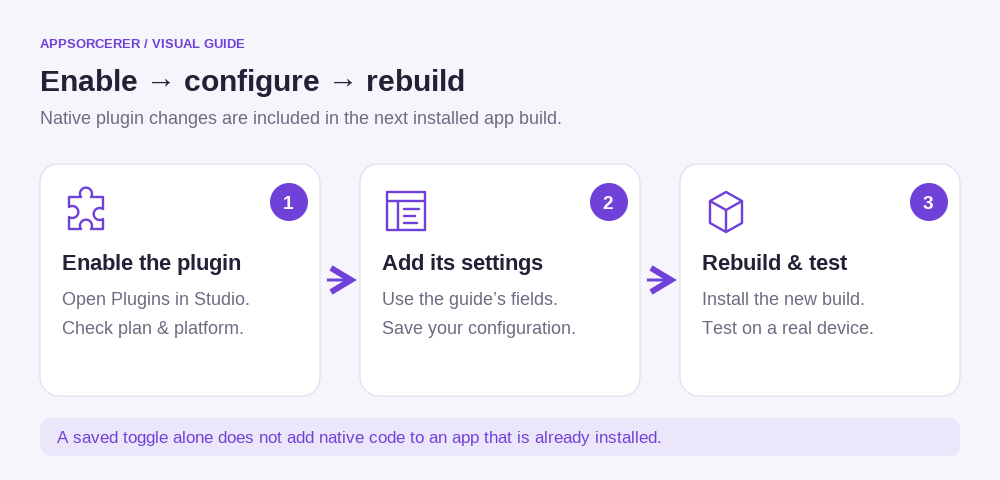
Turn the plugin on in App Studio → Plugins, fill in its settings, then rebuild your app. Websites call it through the JavaScript bridge.
Settings
| Studio label | Type | Default | Notes |
|---|---|---|---|
| Default reminder (minutes before) | number | 30 |
Setup
Nothing to configure. By default addEvent opens the calendar app with the event filled in — no permission needed; the user taps Save. With { interactive: false } the event is added straight to the main calendar with a reminder, after asking for calendar permission.
JavaScript API
Every method returns a Promise. Call it as await AppSorcerer.calendar.<method>(args).
| Method | Arguments | Resolves with |
|---|---|---|
addEvent | { title, start, end?, allDay = false, location?, description?, url?, reminderMinutes?, interactive = true, timeZone?, calendarId? } | { method: 'intent' } or { method: 'direct', eventId, calendarId } |
hasPermission / requestPermission | – | { granted } |
listCalendars | – | [{ id, name, account, primary, writable, color }] (asks for permission) |
start / end accept ISO 8601 ("2026-11-08T18:00:00Z", "2026-11-08T18:00" local, "2026-11-08") or epoch milliseconds. Without end the event lasts 1 hour (1 day when allDay). url is appended to the description. reminderMinutes defaults to Default reminder (30); use -1 for none (direct inserts only — calendar apps do not accept reminders through the insert screen).
Errors
Rejections carry error.code: invalid_args, unavailable, permission_denied, no_calendar, insert_failed, read_failed, busy, unknown_method.
Example
await AppSorcerer.calendar.addEvent({
  title: 'Sneaker drop',
  start: '2026-12-01T18:00:00+01:00',
  location: 'myshop.com/drops',
  url: 'https://myshop.com/drops/winter',
});
Notes
- With the calendar app flow, Android doesn't report whether the user saved the event;
{ method: 'intent' }resolves when they come back.