Push Notification Examples for Online Stores (With Copy)
21 push notification examples for online stores, from welcome and back-in-stock alerts to abandoned carts, shipping updates, flash sales and win-backs, with character counts and why each one works.
On this page
- How long should a push notification be?
- Push notification examples for online stores
- Welcome pushes
- Back-in-stock alerts
- Price-drop alerts
- Abandoned-cart reminders
- Order and delivery updates
- Flash sales
- Re-engagement
- What do good push notification examples have in common?
- Which push messages should a store never send?
- Which of these pushes can AppSorcerer send automatically?
- Frequently asked questions
- How many characters can a push notification have?
- Should push notifications use emoji?
- Can I copy these push notification examples?
- What is the best time to send a push notification?
Good push copy is short, specific and tied to something the shopper did or asked for. Below are 21 push notification examples for an online store, grouped by the moment they're sent, each with character counts and a note on why it works. They're all our own example copy for a made-up shop called Lotus Store, so swap in your products, prices and real stock numbers before you use them.
Short answer: The store pushes that get tapped name a specific product or order, say what changed (back in stock, cheaper, shipped) and open that exact page when tapped. Keep the title to roughly 25 to 35 characters and the message under about 70, because every phone cuts text off at a different point. Alerts the shopper asked for beat broadcast offers by a wide margin.
How long should a push notification be?
There isn't a fixed limit to design for. According to OneSignal's push message documentation, Android and iOS don't trim titles or messages at a set character count. Where the text stops depends on the device, whether it's held upright or sideways, and the user's text size, and on Android also on the maker's launcher. OneSignal recommends 25 to 35 characters for a mobile title and about 150 for the message.
Collapsed, an Android notification shows your app icon, the title, a timestamp and a preview of the message, as the Android notification design guidelines describe. So write each push to make sense even if only its first 40 or so characters survive:
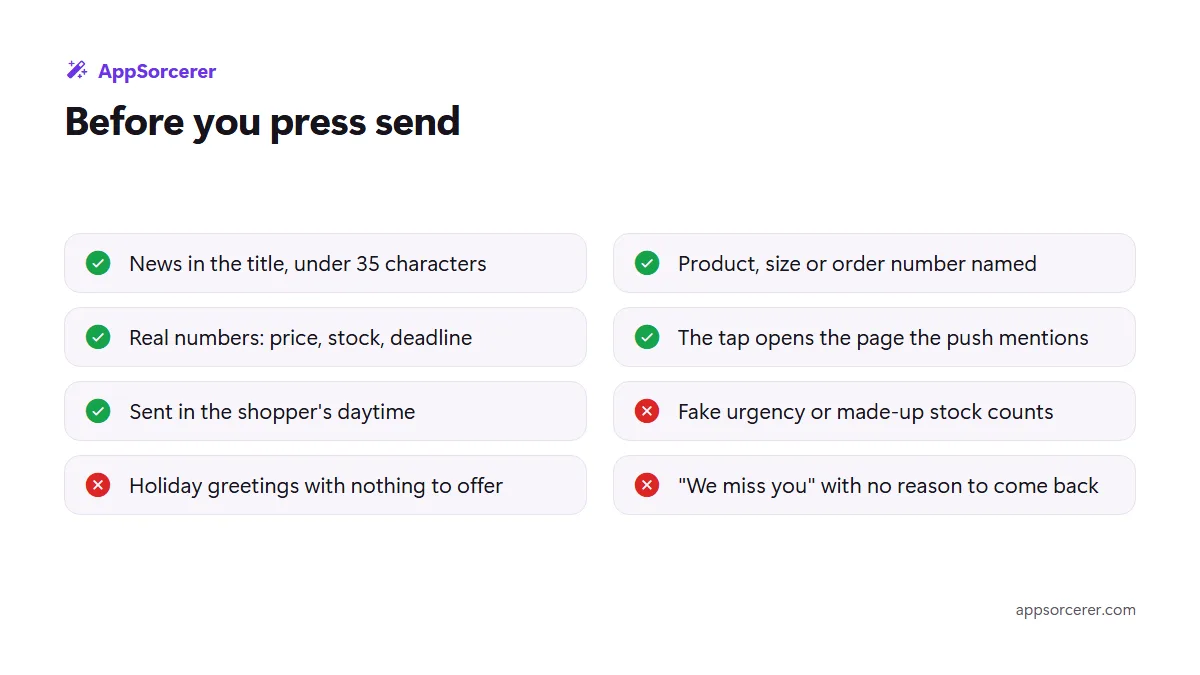
- Title: the news itself, in under 35 characters.
- Message: the detail and what a tap does, ideally under 70.
- Front-load the noun: product name, size or order number first.
- One idea per push: a restock alert shouldn't also announce a sale.
- Skip the shouting: no capitals or exclamation marks. A price or a deadline does more.
Push notification examples for online stores
Each table gives the title and the message with their length in characters in brackets. Products, prices and stock figures are invented for the example. Only promise numbers your store can actually back up.
Welcome pushes
Send one shortly after the first launch and make it useful rather than polite.
| Title | Message | Why it works |
|---|---|---|
| Welcome to Lotus Store (22) | Your first order ships free this week. Start with the bestsellers. (66) | A concrete perk with a deadline, plus a place to start |
| Thanks for installing, Priya (28) | Turn on order updates in Account to know when your parcel moves. (64) | Uses the name and points to a setting that helps them later |
| Your welcome code: HELLO10 (26) | 10% off your first order. The code expires in 7 days. (53) | The code sits in the title, so it's visible without a tap |
Back-in-stock alerts
These are the easiest wins in push because the shopper asked for them. Name the exact variant they wanted, not just the product.
| Title | Message | Why it works |
|---|---|---|
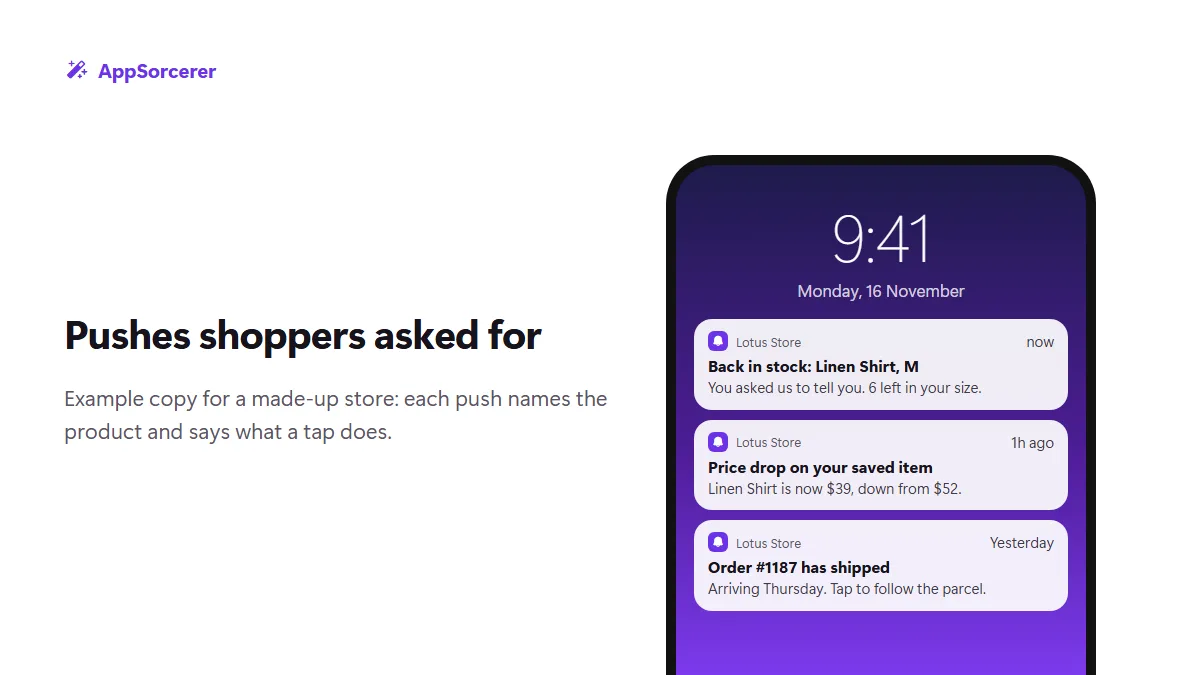
| Back in stock: Linen Shirt, M (29) | You asked us to tell you. 6 left in your size. (46) | Reminds them they asked, then gives a real stock count |
| It's back: Aria Mug Set (23) | Restocked this morning. It sold out in 2 days last time. (56) | Past sell-out speed creates honest urgency |
| Your size is available again (28) | Trail Runner 2 in UK 9 is back on the shelf. (44) | Size and model up front, nothing else to read |
Price-drop alerts
Show both prices. A drop without the old price reads like an ordinary ad.
| Title | Message | Why it works |
|---|---|---|
| Price drop on your saved item (29) | Linen Shirt is now $39, down from $52. (38) | Old and new price side by side, no maths needed |
| Aria Mug Set: now $28 (21) | $12 less than when you looked. Price holds until Sunday. (56) | Ties the saving to their own visit and adds a clear end date |
| Your wishlist got cheaper (25) | 3 saved items are on sale. Biggest drop: 30% off the Oak Lamp. (62) | Bundles several drops into one push instead of three |
Abandoned-cart reminders
One reminder, two at most, and stop the moment they order. Mention what's in the cart rather than "your cart".
| Title | Message | Why it works |
|---|---|---|
| You left 2 items in your cart (29) | Linen Shirt and Aria Mug Set are saved. Free shipping still applies. (68) | Lists the items and answers the cost question |
| Still deciding on the Oak Lamp? (31) | It is in your cart, and 14 customers rated it 5 stars. (54) | Social proof aimed at the doubt that stopped them |
| Your cart is saved until tonight (32) | Size M of the Linen Shirt is down to 3. Finish checkout in a minute. (68) | A second reminder with a real reason to act now |
Order and delivery updates
Shipping news is the push people expect and rarely mute. Give them the facts and a tracking link behind the tap.
| Title | Message | Why it works |
|---|---|---|
| Order #1187 has shipped (23) | Arriving Thursday. Tap to follow the parcel. (44) | Order number, delivery day and the action in one glance |
| Out for delivery today (22) | Your Lotus order is on the van. Expected between 2 and 5 pm. (60) | A time window people can plan around |
| Delivered: order #1187 (22) | Hope it fits. Returns are free for 30 days if it doesn't. (57) | Removes the worry that stops a second order |
Flash sales
Sales are broadcasts, so expect them to open less often than alerts people asked for. Make the deadline and the discount concrete.
| Title | Message | Why it works |
|---|---|---|
| 4-hour linen sale starts now (28) | 25% off everything linen until 6 pm today. (42) | Duration, discount and category, all in numbers |
| Early access: winter sale (25) | Opens to notification subscribers at 8 am, two hours before email. (66) | Rewards people for keeping notifications on |
| Last 6 hours: 20% off rugs (26) | Your saved Jute Rug is included. Sale ends at midnight. (55) | Links a broad sale to an item they already liked |
Re-engagement
Google's Android design guidance warns against notifications whose only message is "come back". Every win-back push needs a reason: new stock, expiring points, or a restock of something they bought.
| Title | Message | Why it works |
|---|---|---|
| New this week: 40 pieces (24) | Fresh linen and ceramics since your last visit. See what's new. (63) | A number makes "new arrivals" feel real |
| Your points expire Friday (25) | You have 450 points, worth $4.50 off your next order. (53) | Loss of something they already own, with a date |
| A past favourite is back (24) | The Aria Mug you bought in May now comes in sage green. (55) | Built on their own order history, not a guess |
What do good push notification examples have in common?
Look across the tables and the same habits repeat:
- They respond to something. In Batch's 2025 benchmark, triggered campaigns averaged a 14.4% open rate against 4.19% for generic ones. Restocks, price drops and shipping updates are triggered by nature.
- They name the thing. "Linen Shirt, M" beats "an item you liked" every time.
- They use real numbers. Prices, sizes, dates and stock counts carry the message without adjectives.
- The tap matches the text. Google's guidance says tapping a notification should open a screen that relates directly to it. A price-drop push that lands on the home page wastes the click.
- The image earns its place. Airship's 2026 benchmark report credits rich push with images or video with an average 22% lift in direct opens. For restocks and price drops, the product photo is the obvious choice.
- They arrive while people are awake. Schedule campaigns in each shopper's local time, and let triggered pushes go when the event happens.
Which push messages should a store never send?
The same Android guidelines list cases where a notification is the wrong tool. Five of them apply to shops directly:
- Advertising another product, including cross-promotion. Google notes that the Play Store strictly prohibits it.
- Messaging someone who has never opened your app.
- A "we haven't seen you in a while" nudge with nothing of value inside.
- Asking for an app rating.
- Holiday or birthday greetings.
I'd add one more: invented scarcity. "Only 2 left" works once. When a shopper notices the count never changes, every future alert loses its weight.
Which of these pushes can AppSorcerer send automatically?
AppSorcerer apps send push through OneSignal or Firebase Cloud Messaging on every plan. Push campaigns and automations come with the Growth plan ($9 a month) and above. For Shopify stores, here's where each type stands today:
| Push type | Status in AppSorcerer |
|---|---|
| Sales, launches and new arrivals | Push campaigns, from the Growth plan |
| Back in stock and price drop | Live in apps built from November 2026 on |
| Abandoned cart (Growth plan and up) | Works today on development stores; on live stores it starts once Shopify approves our access to order data, which is pending |
| Order shipped, for orders placed in the app | Works today on development stores; on live stores it starts once Shopify approves our access to order data, which is pending |
| Order shipped, for orders placed on the store website | Coming with our next Shopify app update |
The Shopify push automations guide shows where to switch each one on and edit its text, and our post on Shopify push notifications covers timing and what to check when pushes don't arrive. You can start free, connect your store and send the first example from this page to your own phone.
Frequently asked questions
How many characters can a push notification have?
You won't hit a hard limit with normal copy, because the phone decides how much to display. OneSignal suggests about 25 to 35 characters for a mobile title and around 150 for the message. Put the key fact in the first 40 characters so the collapsed view still makes sense.
Should push notifications use emoji?
One emoji can work as a visual marker, such as a parcel for shipping updates, but it shouldn't replace words. Screen readers read emoji out loud, and an emoji in every push soon stops standing out. Test it against a plain version on your own list before making it a habit.
Can I copy these push notification examples?
Yes. They're original examples written for this article, so adapt them freely. Replace the product names, prices and stock counts with your store's real data, and never claim scarcity you can't prove.
What is the best time to send a push notification?
There's no universal best hour. Send triggered pushes when the event happens, and schedule campaigns in each shopper's local time zone during waking hours. Then compare open rates by hour in your own reports, since your customers' habits matter more than any average.